AVB-Milan on RJ45 copper SFP modules
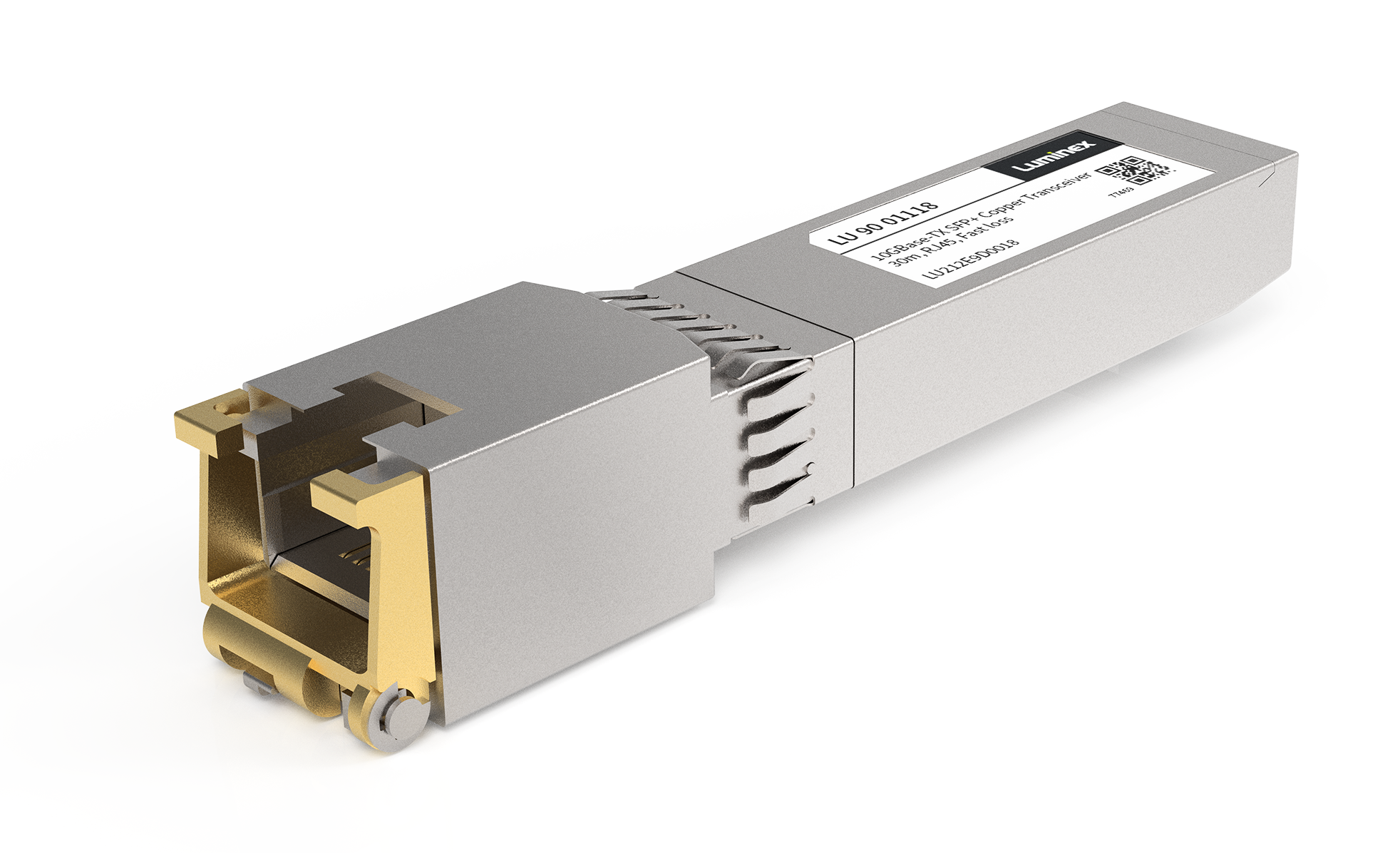
There exist different types of SFP modules: DAC, Fiber, RJ45 copper,...
As the name applies, Direct Attach Cables (DAC) form a direct connection between 2 SFP ports. Fiber modules are essentially just a conversion between electrical and optical signals. RJ45 copper SFP modules on the other hand, need to convert the electrical 'SFP' signal to an Ethernet signal. This has some implications when using those RJ45 copper modules:
As the name applies, Direct Attach Cables (DAC) form a direct connection between 2 SFP ports. Fiber modules are essentially just a conversion between electrical and optical signals. RJ45 copper SFP modules on the other hand, need to convert the electrical 'SFP' signal to an Ethernet signal. This has some implications when using those RJ45 copper modules:
- RJ45 SFP modules typically consume more power compared to other SFP modules. As a result, they can get warmer.
- RJ45 SFP modules buffer the packets. The buffering causes a small additional delay. Overflowing the buffer can also result in packets being dropped inside the SFP module.
- The additional delay may be visible as an increased gPTP neighbor delay. Certified AVB-Milan devices with RJ45 ports will not become 'asCapable' when the neighbor delay goes above 800ns. Therefore, compensation might be needed as explained below.
- With RJ45 SFP modules, the interface between the SFP cage and the SFP module (Green arrow) may operate on a different speed than the Ethernet wire speed (Blue arrow). The interface between the SFP module and the SFP cage will run at the native speed of the SFP module. When using AVB-Milan, it is recommended to utilize the SFP module at its maximum speed such that both speeds match.
gPTP correction to compensate gPTP neighbor delay
As explained above, the use of RJ45 copper SFP modules can cause additional delay which needs to be compensated for gPTP. A similar delay can be introduced by network traffic taps such as Profishark.
Starting with firmware version v1.7.0 for Gen2 GigaCore switches, this is automatically compensated for Luminex branded SFP's: the correction for those SFP's has already been calculated and is build-in inside the firmware.
At the time of writing, SFP modules with automatic correction are:
- LU 90 01118 - 10GBase-T SFP+ Copper Transceiver
- LU 90 01127 - 1000Base-T SFP Copper Transceiver
If manual correction or additional correction is needed, that can be done as a port setting:
- Determine the correction necessary
- Typically this can be done by connecting using a very short cable with neglectable delay and observing the gPTP neighbor delay.
- Open an HTTP Rest client such as Postman or the rest-client available on SWITCH_IP_ADDRESS/__rest-client.html
- Use 'PUT' as method
- Use the path /api/gptp/ports/<port number>/correction. In the example below, port number 25 is used.
- Set the payload and fill the correction values you determined. In the example, a correction of 220ns is applied on ingress and egress.
{"ingress_correction":220,"egress_correction":220} - Click the 'send' button.
The correction setting is a persistent setting. This means that the correction will also be applied if another SFP module is inserted. Make sure to reset the correction to 0 if you would like to use SFP modules that don't need the correction.